
Visible & invisible marks
Stamp names, emails, dates, and dynamic IDs across PDFs, images, and shared previews.
Secure images, PDFs, videos, and confidential files with dynamic watermarks, access control, and evidence-ready tracking.
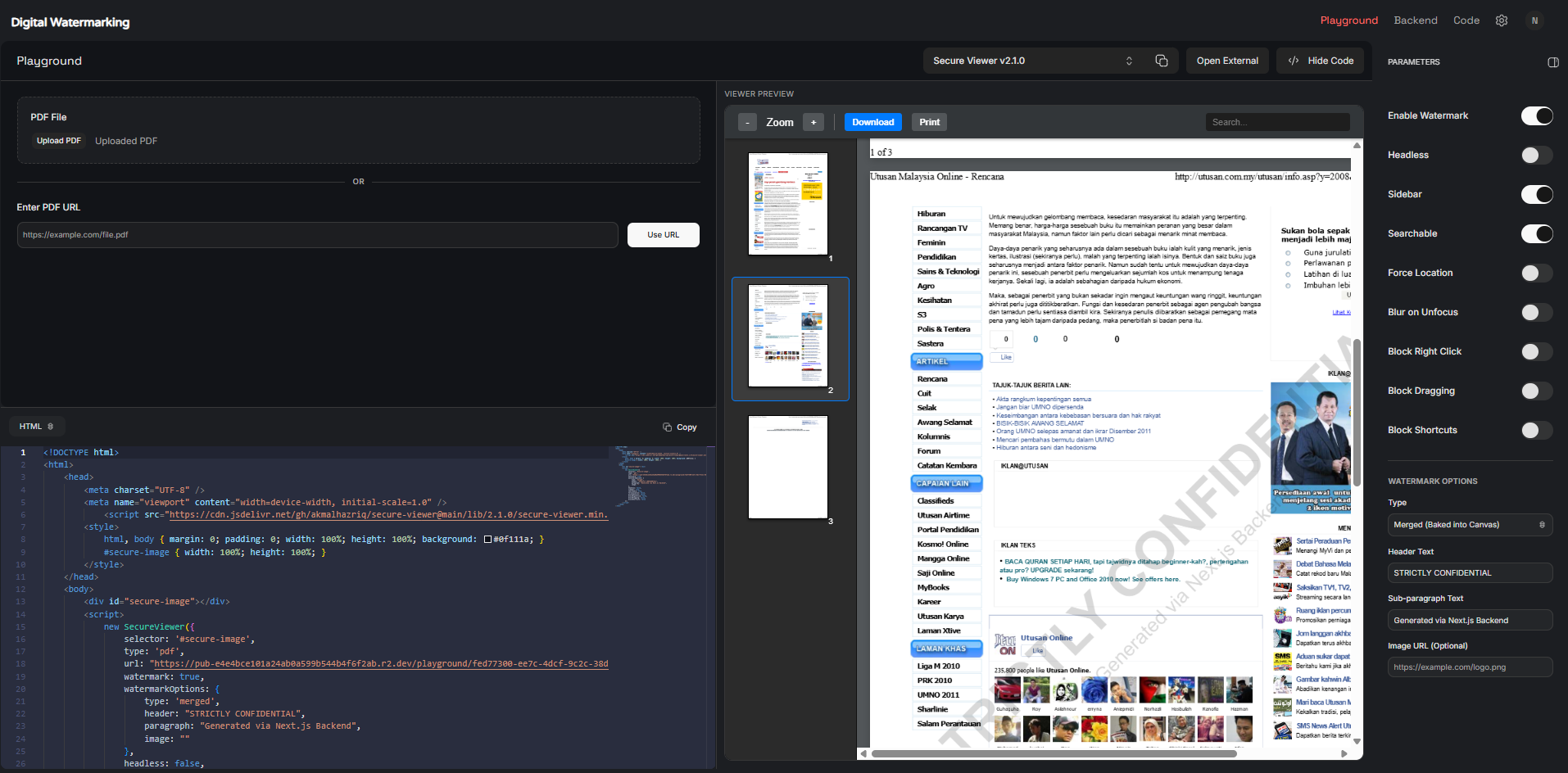
Playground Preview
Upload PDF or use URL, enable watermark and control viewer protection settings.
Service product
Stamp names, emails, dates, and dynamic IDs across PDFs, images, and shared previews.
See who opened a file, where engagement happened, and when risky activity starts.
Automate watermarking through secure upload flows, API calls, and team folders.
How it works
Start by uploading a PDF or using a document URL, then apply security controls before sharing it safely.
Upload your PDF directly, or paste a public PDF URL to load the document into the secure viewer.
Enable watermarking, set viewer controls, and block risky actions like right click, dragging, shortcuts, download, or print.
Share the protected document and monitor viewer activity such as opens, access attempts, print actions, and location signals.
Viewer protection settings
Secure Viewer Controls help you protect PDF files from unwanted copying, printing, dragging, shortcuts, and unauthorized viewing behavior.
Best for:
confidential reports, legal documents, certificates, invoices, internal files, and shared PDF previews.
Apply visible or invisible watermark to protect document ownership and trace leaks.
Allow users to search text inside the PDF while keeping the document protected.
Request viewer location access before opening sensitive documents.
Automatically blur the document when users switch tabs or leave the viewer window.
Prevent browser right-click actions that may expose copy, save, or inspect options.
Stop users from dragging document content, images, or file previews outside the viewer.
Disable risky keyboard shortcuts such as copy, save, print, or open developer tools.
Embed the viewer without extra interface elements for cleaner API or system integration.
Capabilities

Protect your content with text, logo, invisible, and dynamic watermarks.
Learn More
Process multiple files at once and connect watermarking with cloud storage or external apps.
Learn More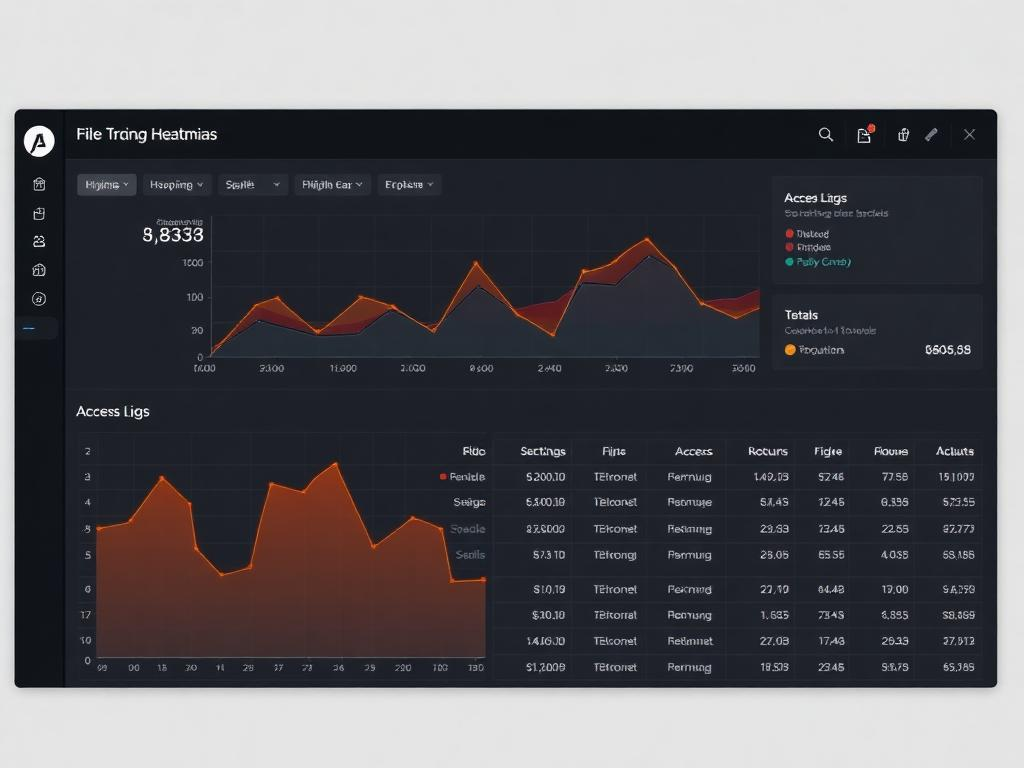
Control who can view, download, or share your files while tracking every activity.
Learn MoreSolutions
Apply watermarks at download, preview, upload, or API level so sensitive content stays attributable.
Choose the best plan for your digital watermarking needs.
Free
Perfect for personal use
Paid
Perfect for small teams
Custom
Get a quote tailored to your needs
FAQ
Everything you need to know about Inkveil's digital watermarking service. Still curious? Our team replies within an hour.
Talk to usReady when you are
No credit card required. Watermark your first 50 files free, then upgrade when you're ready.